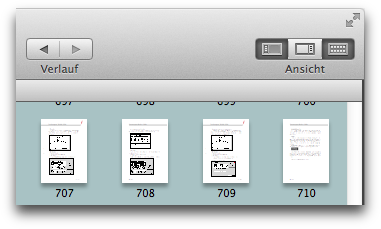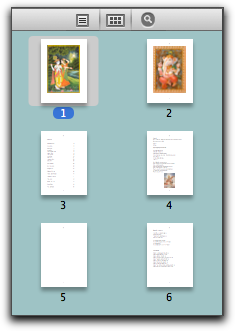
The Thumbnail View
lists the pages in the document as a
list of thumbnails. The size of the thumbnails can be controlled with
the slider at the bottom of the view. The thumbnail view can be
expanded to fill the entire document window, effectively creating a
light-table, or contact sheet style of view on your document. This can
be done with a single click by clicking the right-most segment of the
[View] button in the toolbar.