


Common controls
Common controls are application-dependent and are visible at all
time.
- Detach button
-

allows you to detach the window from the menu bar.
Note that it’s possible to detach the window by clicking on the
window background.
- Attach button
-

it is visible once the window is detached and allows you to re-attach
the window.
- Anchor button
-

it’s visible only when needed and, when selected, allows you to keep
the window open when a click on the desktop is made and no selected
file was found.
- Actions menu
-

allows you to accomplish the main actions related to the application,
such as opening the preferences window, quitting Quick Print, etc.
- Info button
-

it is visible only when an item to print is showed and allows you to
see and print the main attributes of that item.
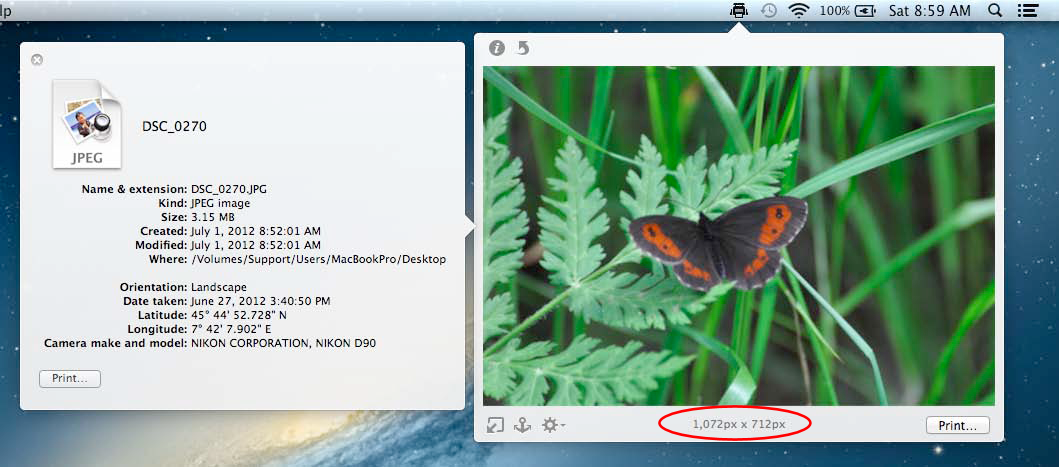
Figure 5: Image to print with the info
window that shows the attributes to be printed.
Copyright © Hyperbolic Software & DSD.net
Last updated on June 12, 2015
