


These properties control the audible characteristics of a clip.
These properties only affect the selected clips.
All of these properties can be varied over time by using a Audio Action.
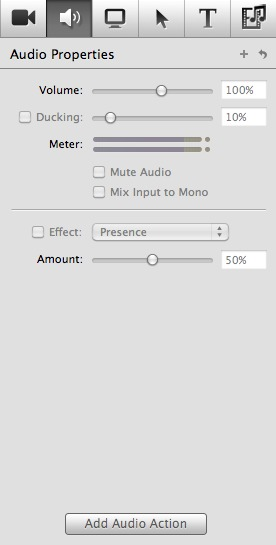
Sets the volume of the selected clips.
An Audio Action can be used to change the volume at different times during the clip.
If checked, all other audio will be lowered by the given percentage while there is audible audio in this clip. In other words, if this is a narration track, background audio will be lowered in volume while the narrator speaks.
If checked, the audio will be muted.
If checked, the exported audio will be mixed to mono.
Several Audio Effects can be applied to the audio track.
Check the checkbox and select an effect to use.
