


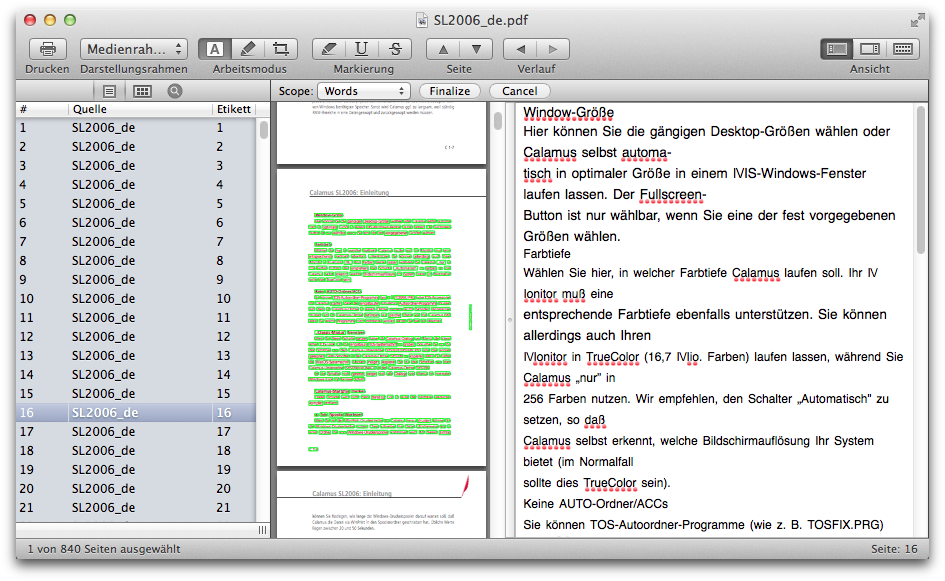
If you allow corrections before fnializing, PDF Nomad 2 shows the recognized text overlaid over the original, with a pane next to it that shows the text as recognized. You can use the pane on the right to quickly find mistakes, which can then be corrected in the main preview canvas.
The Scope
popup allow corrections to either whole lines,
individual words, or single characters (symbols). You can drag items
around to reposition them (or nudge selected items with the arrow
keys), and you can double click words or symbols to edit them. Press
the backspace key to delete selected items. Control click (or
right-click) on the page to see a popup menu with options that can be
applied to the selected items.
Once you have finished checking the document for mistakes, and made any necessary corrections, click the [Finalize] button to finalize the OCR process.
