


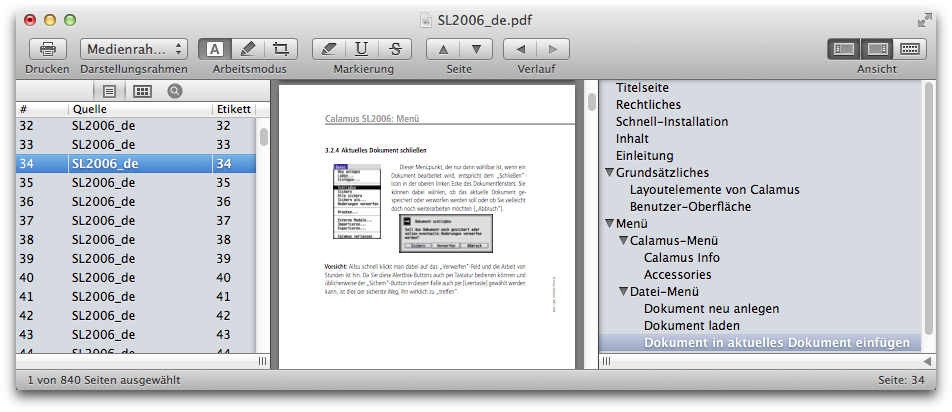
You can create individual outline items by dragging a page in the page list on the left of the document window to the outline list on the right of the document window. Drag in between existing items to place the new outline item in between, or drag on top of an existing item to place the new outline item as a child of the target item. After dragging the item into place, you can rename the new item by double clicking it and editing the text. The item will automatically link to the source page when clicked.
