


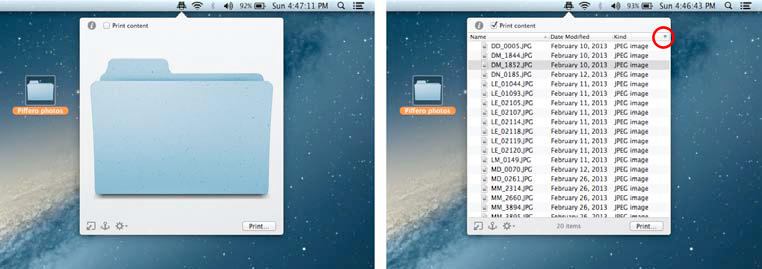
If a folder, a smart folder or a hard drive is chosen, Quick Print gives you two possibilities: you can either print the icon or the folder(or hard drive)’s content as a list.
The content is visible only if the Print content
check
button is ticked.
You can customize the list’s view byclicking on the menu represented by a down-oriented triangle at the right side of the list, red circled in the figure 7.
