Quick Print
>
Interface Details
Index
Text and font controls
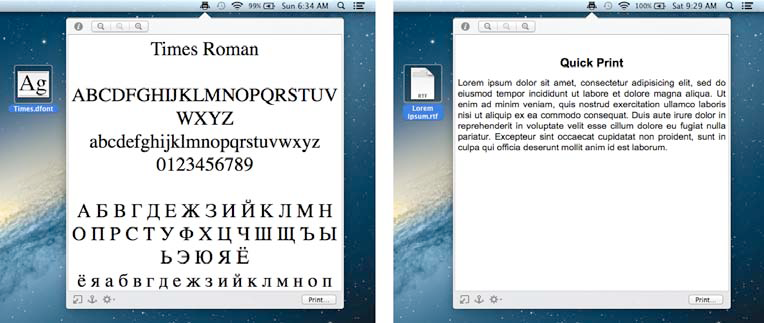
Figure 8: Font and text file to be printed.
Scale the font size down.
Scale the font size up.
Display the document in the initial size.
Using the above buttons allows you to print the document in the size you have set.
Copyright ©
Hyperbolic Software & DSD.net
Last updated on June 12, 2015