HomeStep Three: Process the chosen itemsUndo moved and copied itemsCommon Search Scenarios
  Tidy Up 4 > Step Three: Process the chosen items Index

Restore Trashed items

Once you perform the action of trashing an item, this option becomes available. As you can see from the image above, it is accessible from the Edit menu and will be available until the trash is emptied, even after a restart of the computer.
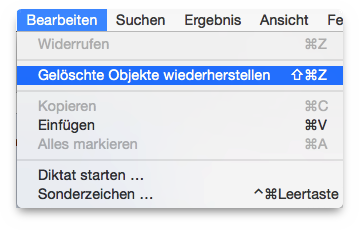
Figure 73: Restore Trashed option in the Edit menu.

Important: It is extremely important that you do not empty the trash until you are sure you don’t need the items that will be subsequently deleted.

When you select the Restore Trashed menu item a window opens that allows you to choose which trashed action to restore.
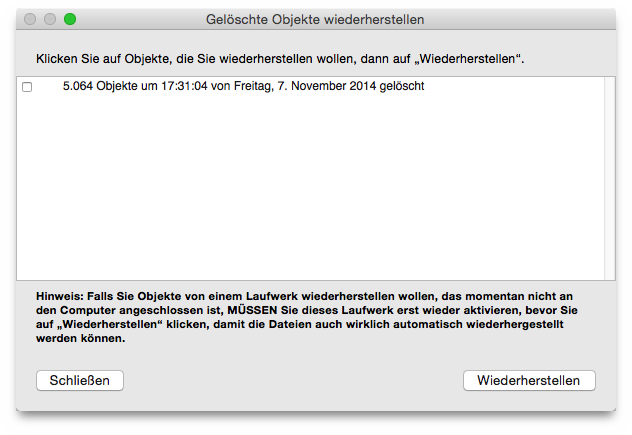
Figure 74: Restore Trashed window.

Follow the described note and click on the Restore button to return the items to their original place.


HomeStep Three: Process the chosen itemsUndo moved and copied itemsCommon Search Scenarios