Menu Functions
RouteView offers its functions via a normal program menu typical
of Mac OS X applications. In addition to the functions actively
supported by the applications which are described below, you will also
find standard functions which are offered in all Mac OS X
applications, e.g. for hiding the applications etc.
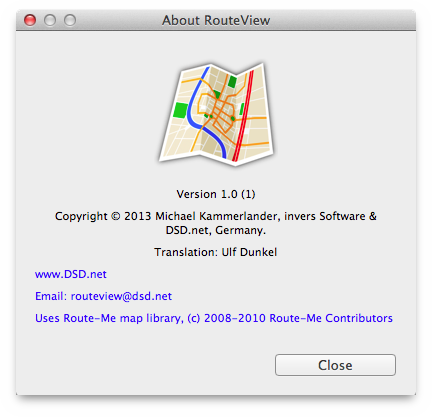
- RouteView menu
-
Here you can open the info dialog for RouteView, use various
common Application menu functions, and, of course, quit the program.
- File menu
-
Here you can open, close and print .gpx documents.
- Edit menu
-
The Edit menu offers the usual standard functions.
- View menu
-
The View menu offers various Zoom functions and the usual
standard functions.
- Window menu
-
The Window menu also offers the usual standard functions.
- Help menu
-
- RouteView Help
-
This standard menu item calls the Help Viewer in order to show
the RouteView Help which you are reading right now.
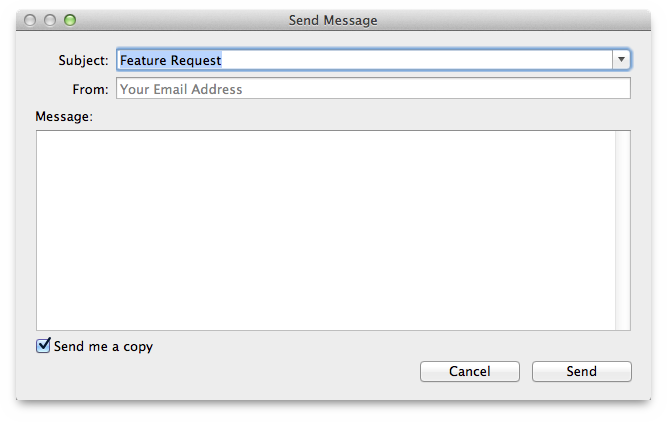
- Send Message
-
When you choose this menu item, you can send a feedback mail
message to the RouteView developers.