


Licenses are a part of the Preferences Window. The preferences
window can be opened by selecting Preferences
in the
ScreenFlow
menu, or pressing command-,. Then press the
Licenses
button in the tool bar.
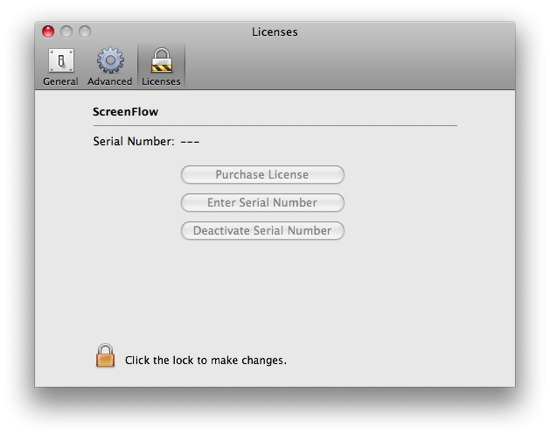
If you have not yet purchased ScreenFlow, you can press the button
Purchase License
, which will take you to our online shop, where
you can purchase a license. If you already have purchased ScreenFlow,
but a version with additional functionality is available, you will
instead see a button Upgrade License
.
When you have received a license serial number, press Enter
Serial Number
; paste in your serial to unlock the application. If
you have purchased an upgrade you will instead see a button Change
Serial Number
.
If you wish to transfer your license to another computer, press
Deactivate Serial Number
; you can then enter your serial number
on the other computer.
