


This box is always loaded and, as the name indicates, contains all the found items. It also shows information about the found items and about the criteria used in the search.
Since Tidy Up reports all items that match the used criteria, do not remove all the items contained in this box. Doing so, you will remove all the items with these characteristics and you may lose important data as a result.
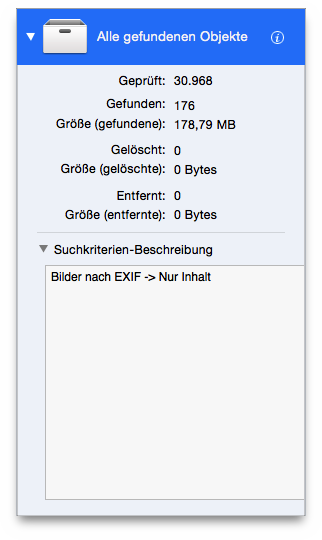
All Items Foundbox.
The box shows the number and size of the found items, trashed items and items removed from the found list and left untouched in their original place.
Search criteria description: displays any criteria used for each of the Criteria panes in the search.
