


If a search of multiple locations was made, Tidy Up will create a labeled box for each searched location, assigning a different colored icon to each; each label box (representing a location) will then be populated with all the found items contained in that location. With the help of the assigned color, these items may be quickly characterized in the list.
If you delete all the items contained in a labeled box, you may lose data if all the reported duplicate items reside in the same labeled folder.
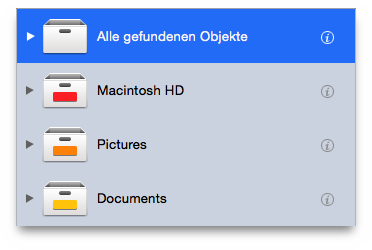
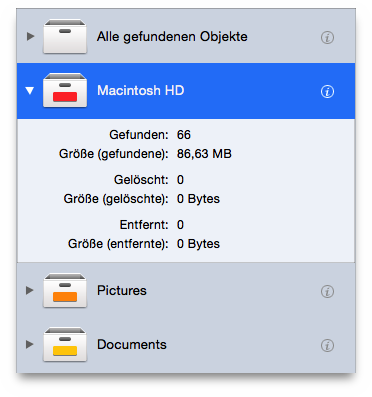
As the All items found
box, each of these labeled boxes
shows the number and size of the found items, the number and size of
the trashed items and the number and size of the items removed from
the found list and left untouched in their original place.
