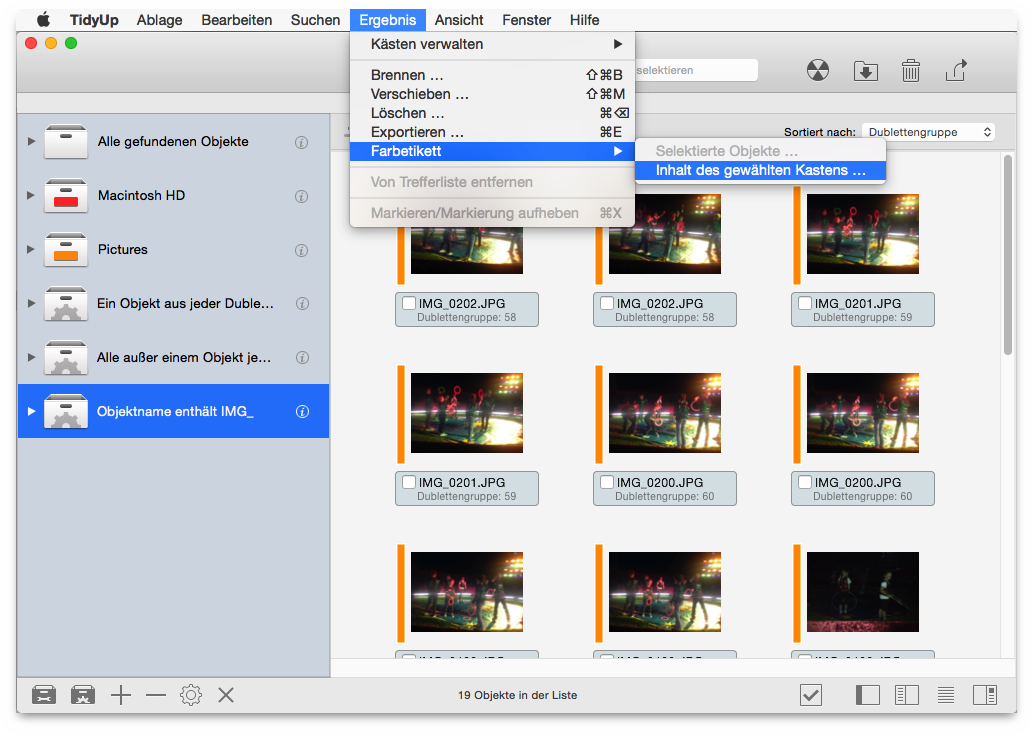
To add a colored tag, choose the Color Tag menu item from the Result menu, selecting either the selected items or for the entire content of the selected box. The chosen colored label will be added to the items, allowing an easy, fast identification and treatment in the Finder.