


The left main area of the RouteView document window shows the route view based on the loaded .gpx file data. The view includes a map view provided by the OpenStreetMap contributors.
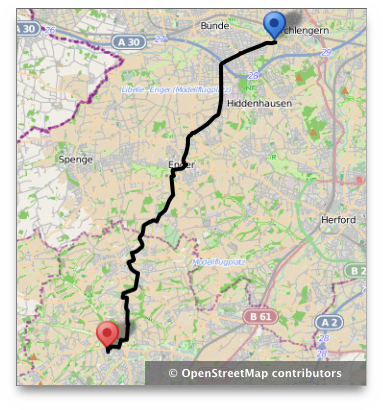
You can move the view by grabbing it anywhere with your mouse pointer, then move the mouse pointer into the desired direction. Or use a two-fingers gesture on your Trackpad to move the view.
You can zoom the view by using the relevant Toolbar icons or the same functions from the Edit menu. Or use your mouse's scroll wheel or a two-fingers gesture on your Trackpad to zoom the view.
You can retint the path track using the System Colors panel.
