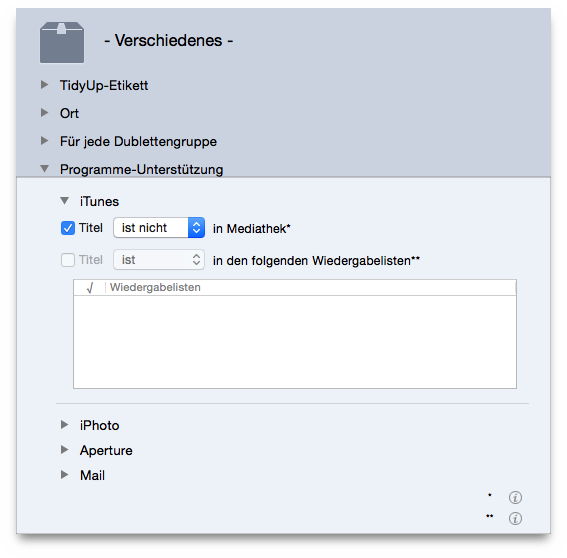
This search is useful when you want locate the songs, images or e-mails that may be scattered across the disk.
Note that in this example iTunes has been used, but you can apply this method also to the other supported applications iPhoto, Aperture and Mail.
Application Support: iTunes:
song is not in libraryoption.
This option is only available if you have done a search in the iTunes library and also in at least one other location.
The box will contain the songs that are not in the iTunes library.
If you add to the criteria above report all but one
from the
Miscellaneous
criteria pane, then you can remove the content of
the box assuring you to leave on the disk at least an item with the
same characteristic of the removed items.