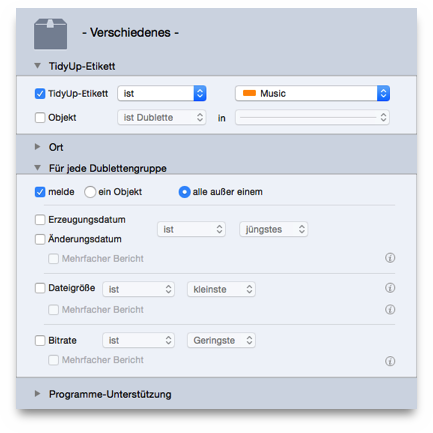
Case 1 Assume that you have made a search in two locations (folder A and B) and you want to remove the items contained in folder A.
Tidy Up Tag:
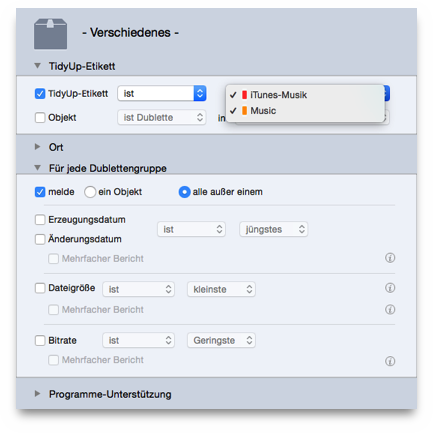
Tidy Up label isoption.
option.Folder A
For each duplicate group:
reportoption.
all but oneoption.
Case 2 Assume that you have made a search in three locations (folder A and B and C) and you want to remove the items contained in the folders A and B.
Tidy Up Tag:
Tidy Up label isoption.
option.
option.Folder B
For each duplicate group:
reportoption.
all but oneoption.
This box will report all the items of each duplicate group that reside in the two chosen locations (Folders A and B). If all the elements of a duplicate group reside in one of the chosen locations or in both of them, then one of the elements will be left out.