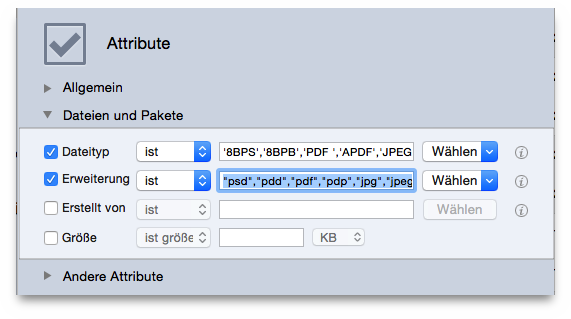
Files and Packages:
Type
file typeoption.
Choose...popup menu choose the
Choose application’s types owner...option.
Extension
file extensionoption.
Choose...popup menu choose the
Choose application’s extensions owner...option.
Note that to search for a specific file kind, the Type and Extension criteria must be changed as a pair. In the image, Apple’s Preview has been chosen; you can choose any other application and Tidy Up will extract the needed data.
The result will contain all kinds of files and packages chosen that are in the found list. This search is useful when you have made a search for multiple kinds of item and you want to manage items that a specific application can access.
Include any criteria of For each duplicate group
and/or the
Location
options if you need to further limit the result.