


This search is useful when you want to find all the duplicate images that a specific application can read.

Any folder or disk.
Common Attributes:
Item’s name is same.
Date modified is same.
Date created is same.
Files and Packages:
Item’s type is:
Choose application’s types owner...from the
Choose...popup menu.
Item’s extension is:
Choose application’s extensions owner...from the
Choose...popup menu.
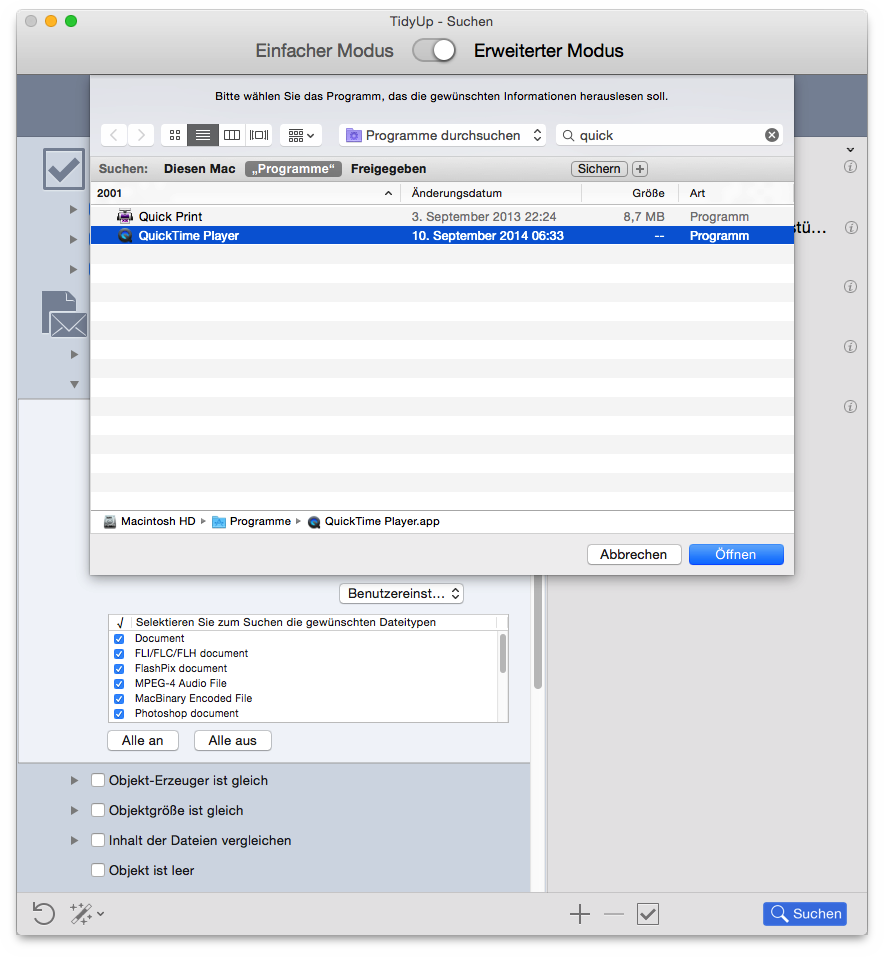
The result will contain all files that the chosen application can read (in the first screenshot, QuickTime Player has been selected) and that match the chosen criteria. If you don’t remove the types and extensions that don’t refer to images, they will be reported too (in the second screenshot, note that some listed file kinds have been un-checked to remove them from the search).
If you remove images that are in an iPhoto database using this
criteria set, you will create missing
images in iPhoto. You can
use the report missing images
option to remove them.
Searching for files by an owner application
can be employed
for various file types, not just images.
