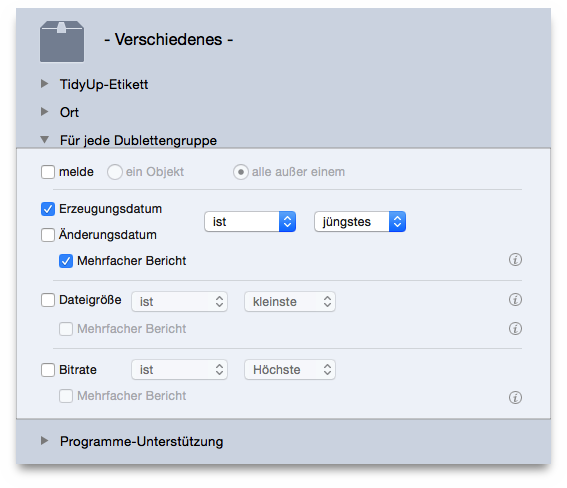
This scenario consists of three phases: the first creates a smart box, the second marks the items to keep and the third trashes the unwanted items.
For each duplicate group:
multiple reportoption.
This box reports all items with newest date created, if any, of each duplicate group. If you want to keep the content of this box, you must follow the next steps.
Once the box is created:
To trash the items and keep all newest:
All Items foundbox.
trash the content of selected boxmenu item from the
Trashpull down menu.
Un-checked itemsoption.
Continuebutton to trash them.
Change or add the date modified option if you need it.