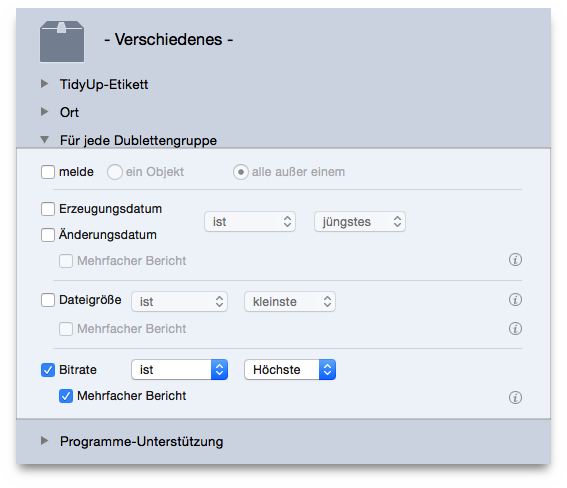
This scenario consists of three phases: the first creates a smart box, the second marks the items to keep and the third trashes the unwanted items.
For each duplicate group:
multiple reportoption.
This box reports all song files with highest bit rate, if any, of each duplicate group. If you want to keep the content of this box, you must follow the next steps.
Once the box is created:
To trash the items and keep all highest bit rate songs:
All Items foundbox.
trash the content of selected boxmenu item from the
Trashpopup menu.
Un-checked itemsoption.
Continuebutton to trash them.
This scenario is applicable to both a search made in iTunes and a search made in any another location.