


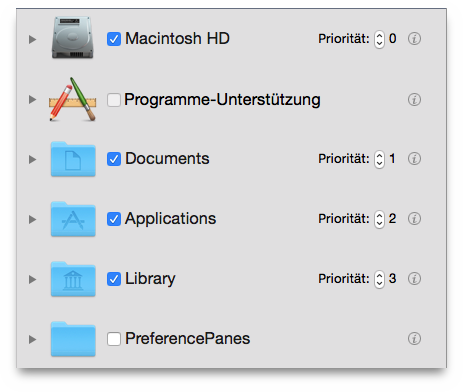
Tidy Up gives you the option to assign a priority to each location
you want to search in (the priority option will be available only
if more than one location is chosen). The higher the priority you
assign, the more important the items in that location are. Priorities
will help you manage the found items after the search has finished. If
you assign a priority to at least one location, Tidy Up, in the Result
Window, will create two smart boxes called Masters
and Items
to remove
(see the section Smart Box
for further
information). These two smart boxes will quickly help you decide which
items to process and which ones to keep untouched.
